

Weekly
$4.99 / week
Subscribe week by week through Apple.
A kind pause between the urge and checkout — built for ADHD brains, with no shame and no lockout.
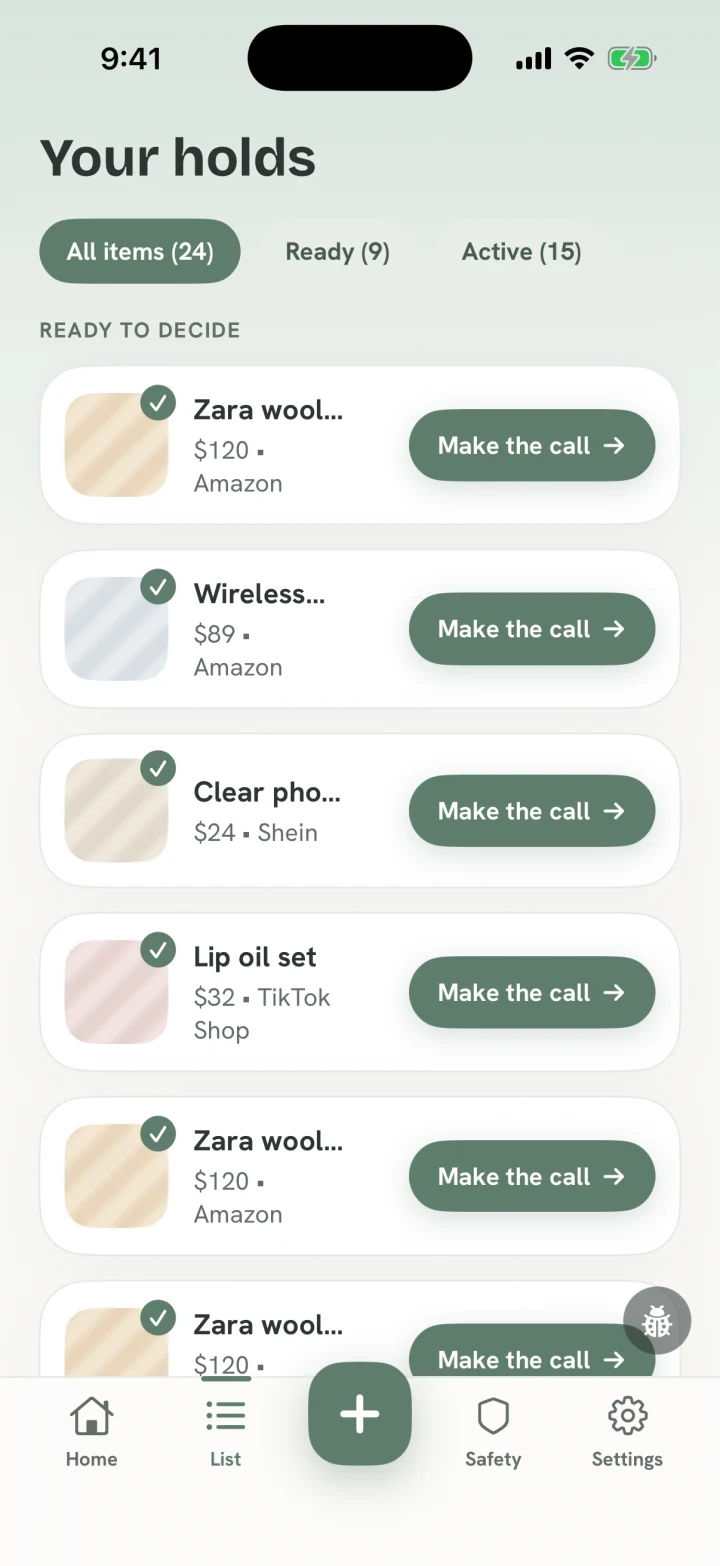

“I’ll help you make a little room before the buy.”
The one loop
Blocking and sleeping on it are one calm journey. Hold Off catches the autopilot, then gives the urge a kinder destination.
01 — Shield
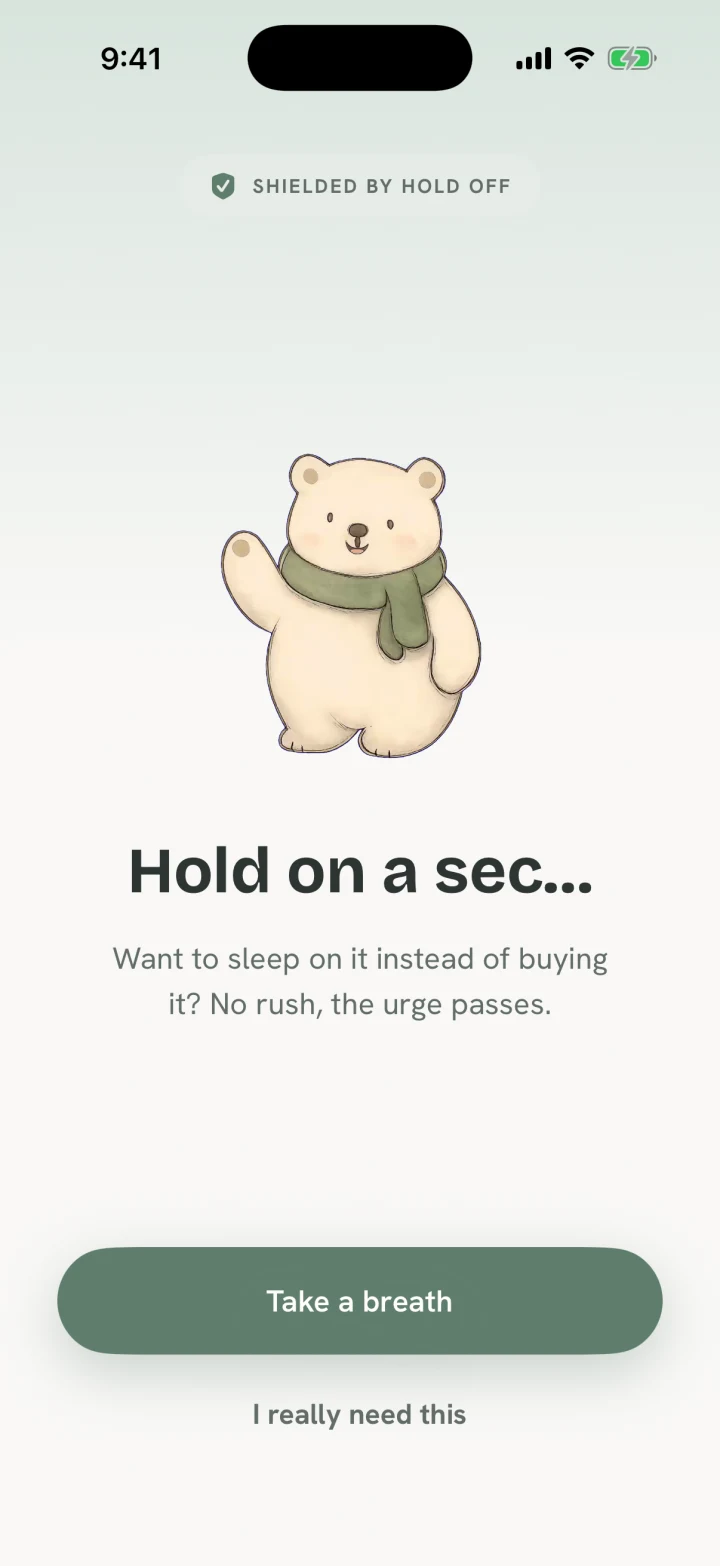
Pick the shopping apps that pull you in on autopilot. When you open one, Apple Screen Time puts Hold Off’s calm shield in front of the scroll.
The shield is a speed bump, never a wall.
02 — Pause
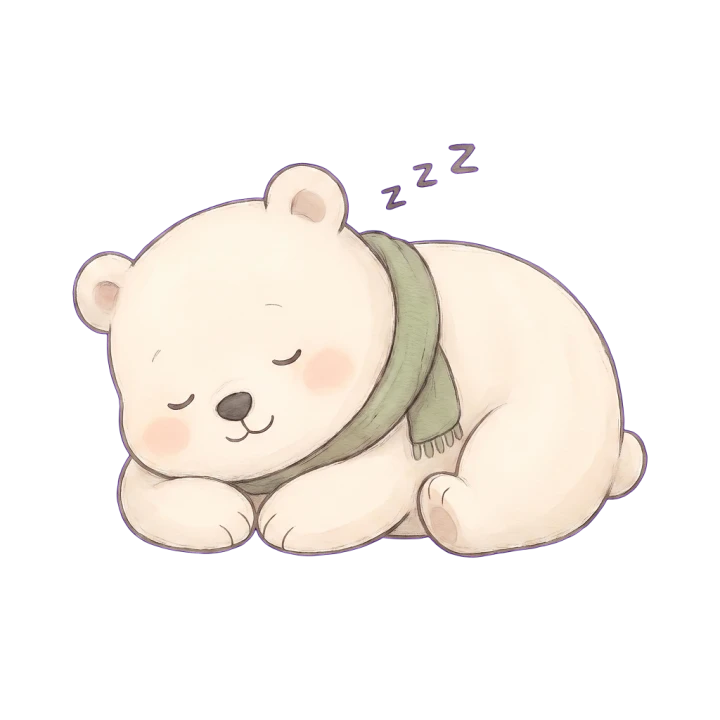
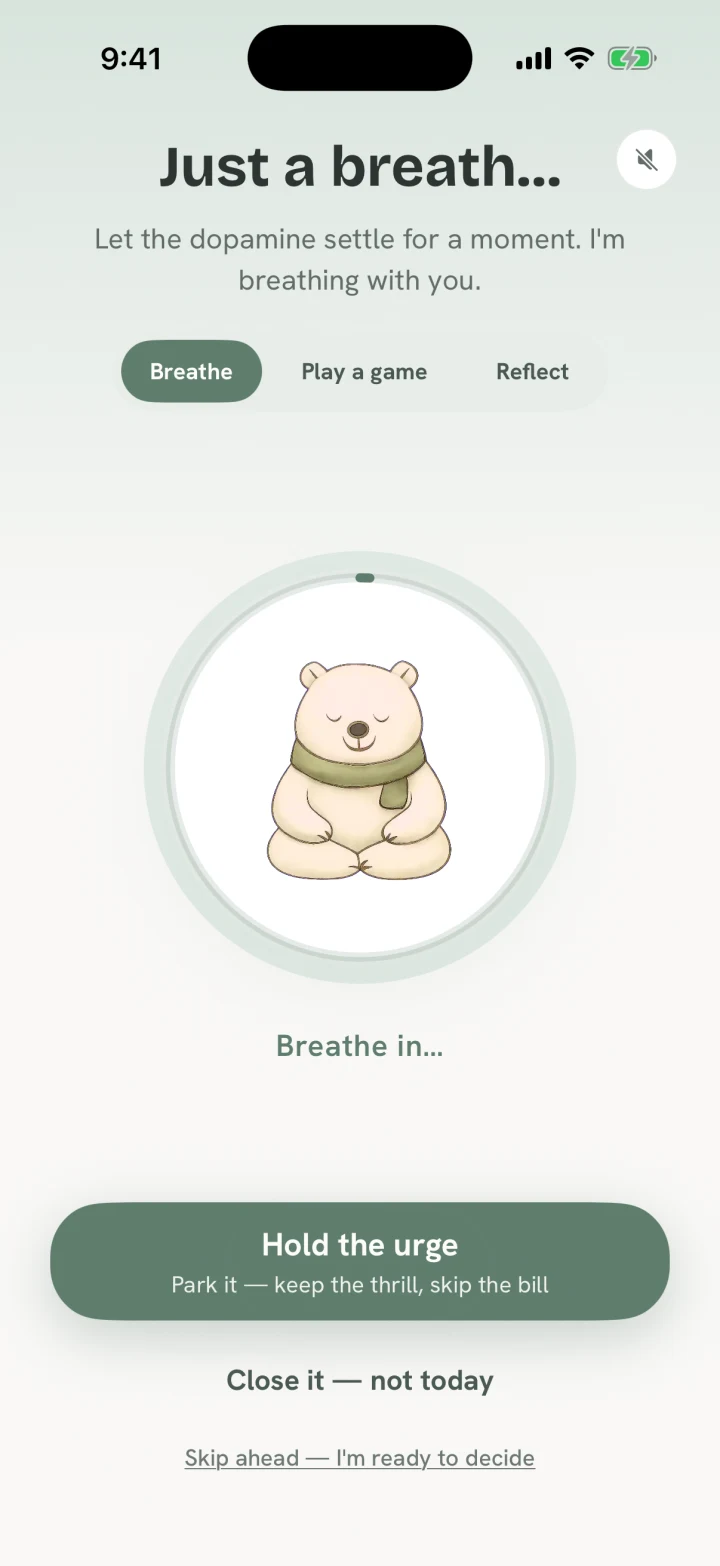
Getting back in starts with a short breathing pause in Hold Off. Then Bramble asks: “absolutely urgent?” If it is, go in — no shame.
The point is to make the reflex visible, not to take away your choice.
03 + 04 — Share it back, then sleep
Use the iPhone Share Sheet. Hold Off captures the photo and price in your Sleep-On-It list, then lets the urge cool for 24 hours.
You still get the satisfying part — finding and choosing — without making checkout the next tap.
05 — Decide
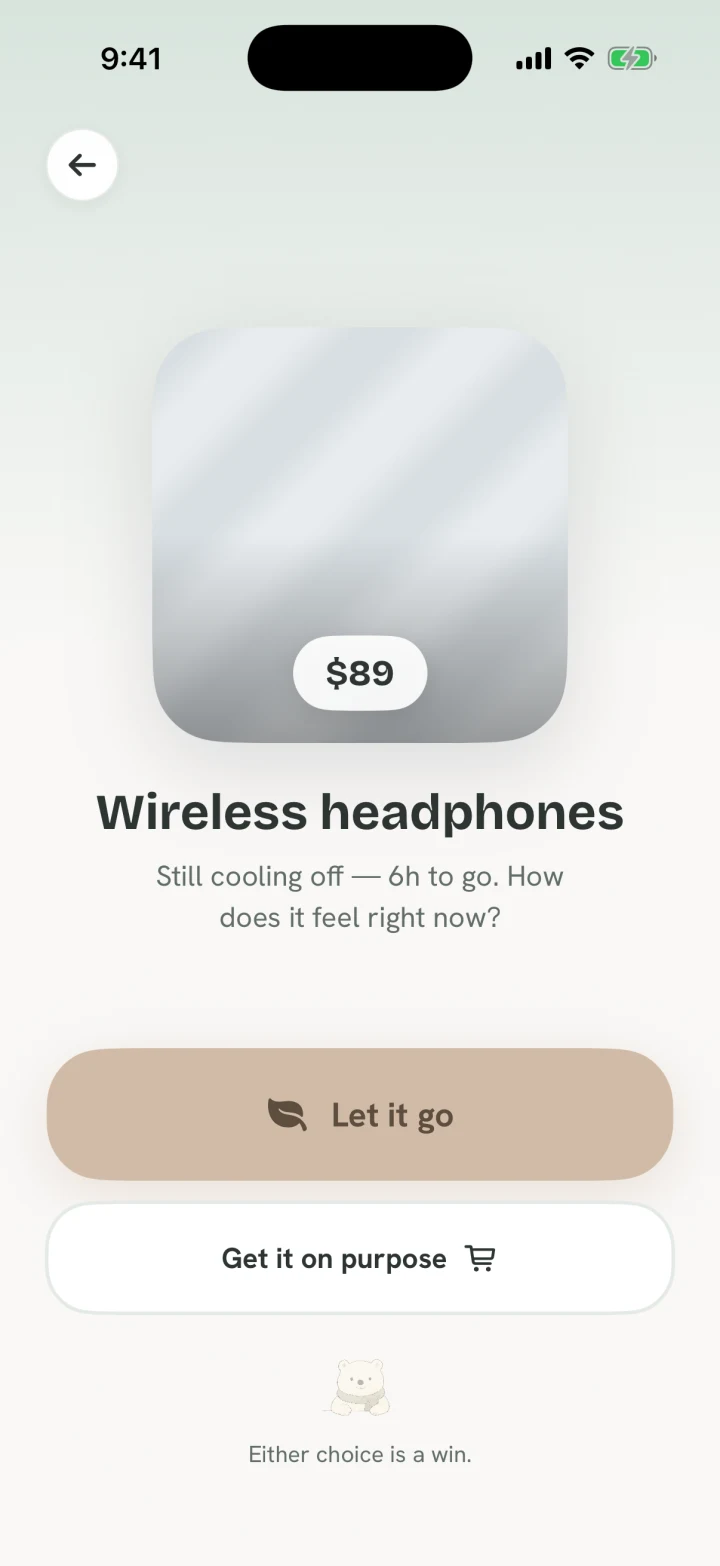
Still want it? Buy it on purpose. Ready to let it go? Bank the money as a visible win. Neither answer is treated as a failure.
The win is choosing with intention.
Built for ADHD brains
The little hit often arrives when you choose the thing, before you own it. Hold Off gives that choosing energy a kinder destination.
Short pauses, planned responses, and practiced stopping have all been studied as ways to make impulsive actions more deliberate. Hold Off turns those ideas into one small, repeatable phone habit; it is not a medical treatment.

“I’m here for the pause, not a lecture.”
Visible, honest wins
Hold Off records the prices of things you actually let go, so the money kept becomes a quiet, visible win.
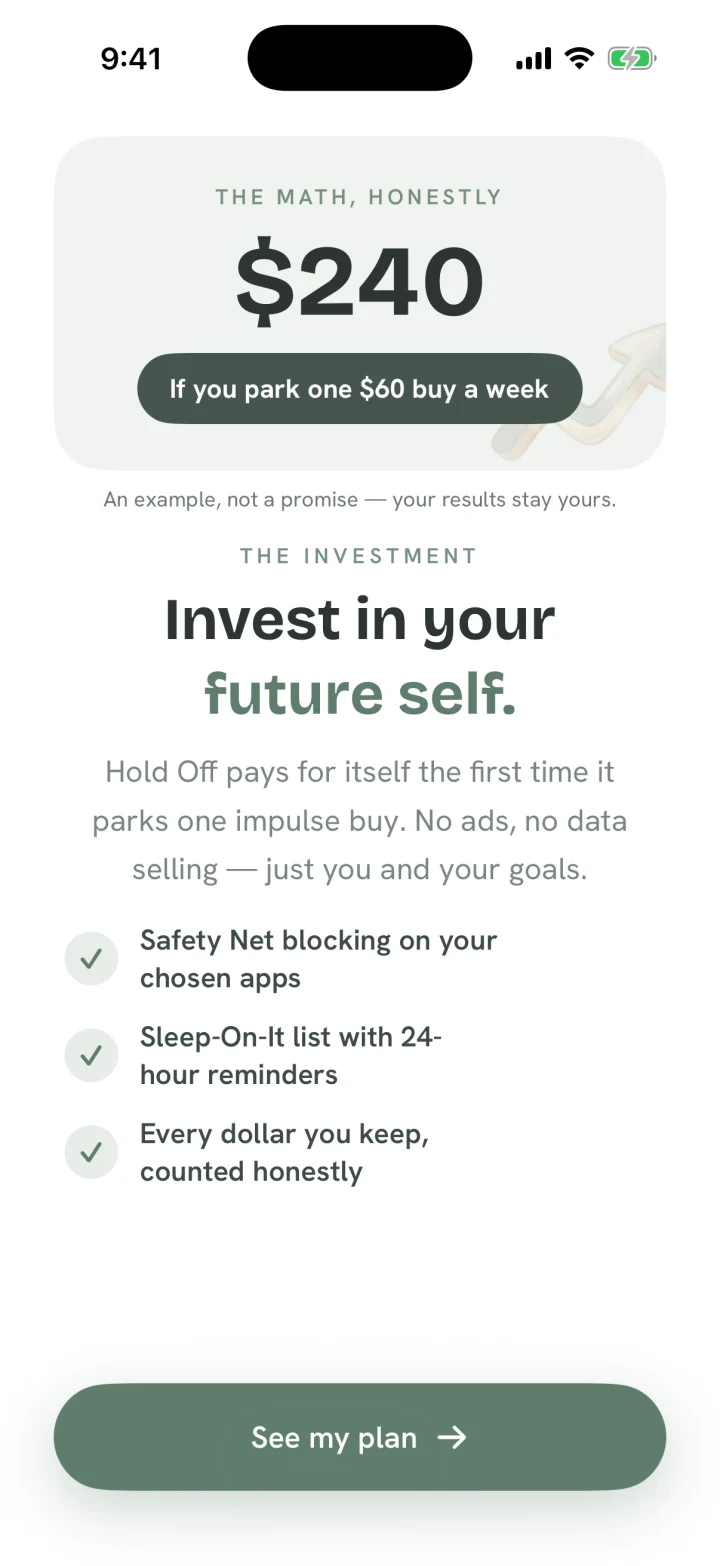
$240 kept in a month — if you park one $60 buy a week.An example, not a promise.
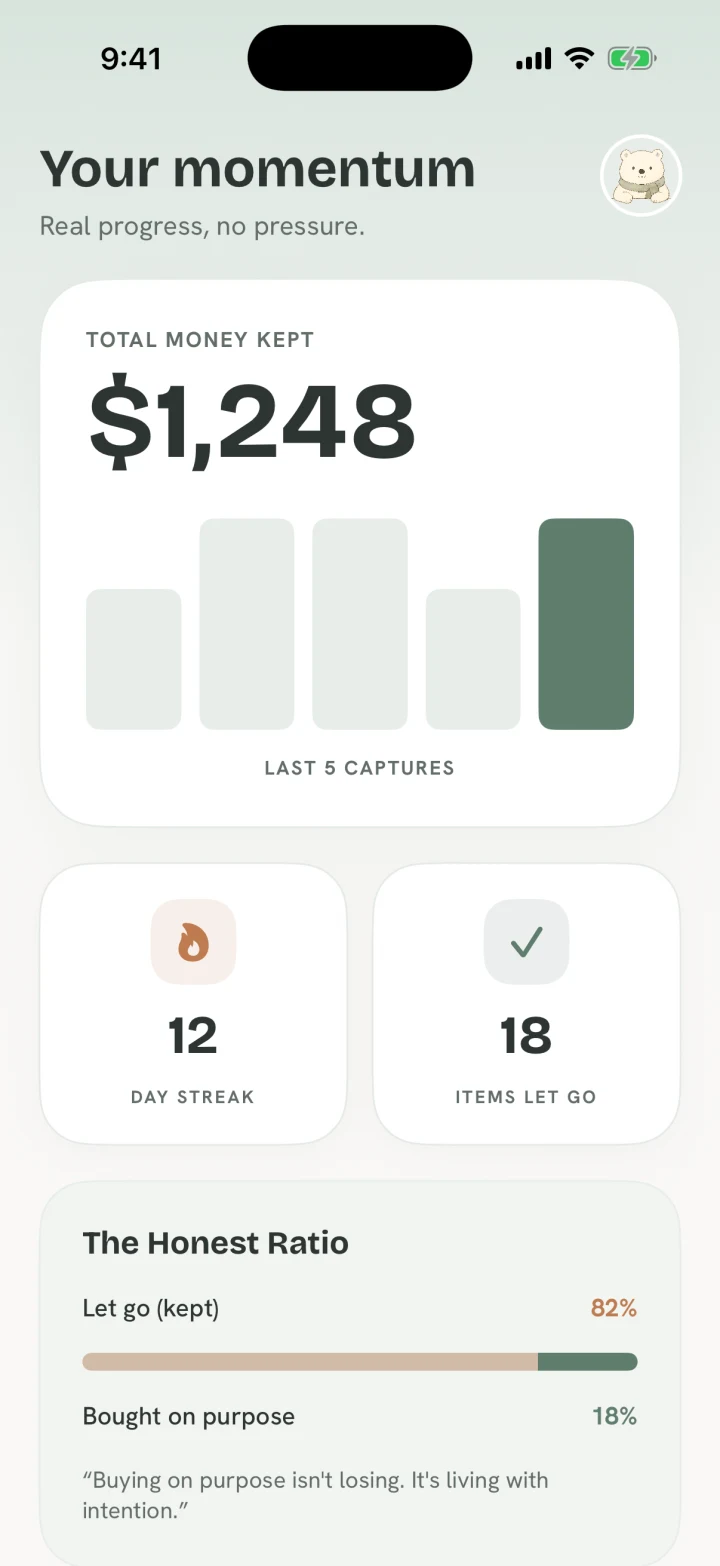

“I’ll help make the choice feel worth noticing.”
Private by design
Hold Off does not need an account. Your holds, app choices, wins, and shopping activity stay on your iPhone.
Read the privacy policySimple pricing
Every plan unlocks the same Hold Off toolkit. The yearly plan is the only plan with a free trial.
$4.99 / week
Subscribe week by week through Apple.
Includes trial
$59.99 / year
Includes a 14-day free trial, then renews yearly unless cancelled.
$129.99 once
One purchase, managed through Apple.
Subscriptions and purchases are managed through Apple.
Questions, answered kindly
No. Hold Off creates a deliberate pause, but you stay in control. After the in-app pause, you can continue when something is truly needed.
Say it is absolutely urgent and continue. There is no scolding and no failure state. Hold Off is there to interrupt autopilot, not to judge a necessary purchase.
You choose individual apps or app categories through Apple’s Screen Time controls. Hold Off does not receive a readable list of your choices.
Your saved items, app choices, wins, and activity stay on your device. No account is required. Only feedback you choose to type and send leaves the app.
The 14-day free trial is available on the yearly plan only. Weekly and lifetime purchases do not include a trial. Apple manages billing and cancellation.
Yes. Hold Off is built for iPhone and uses Apple’s Screen Time technology. There is no Android version at this time.
Hold Off is live on the App Store for iPhone. Free to download — Bramble is waiting.
Download on theApp Store